
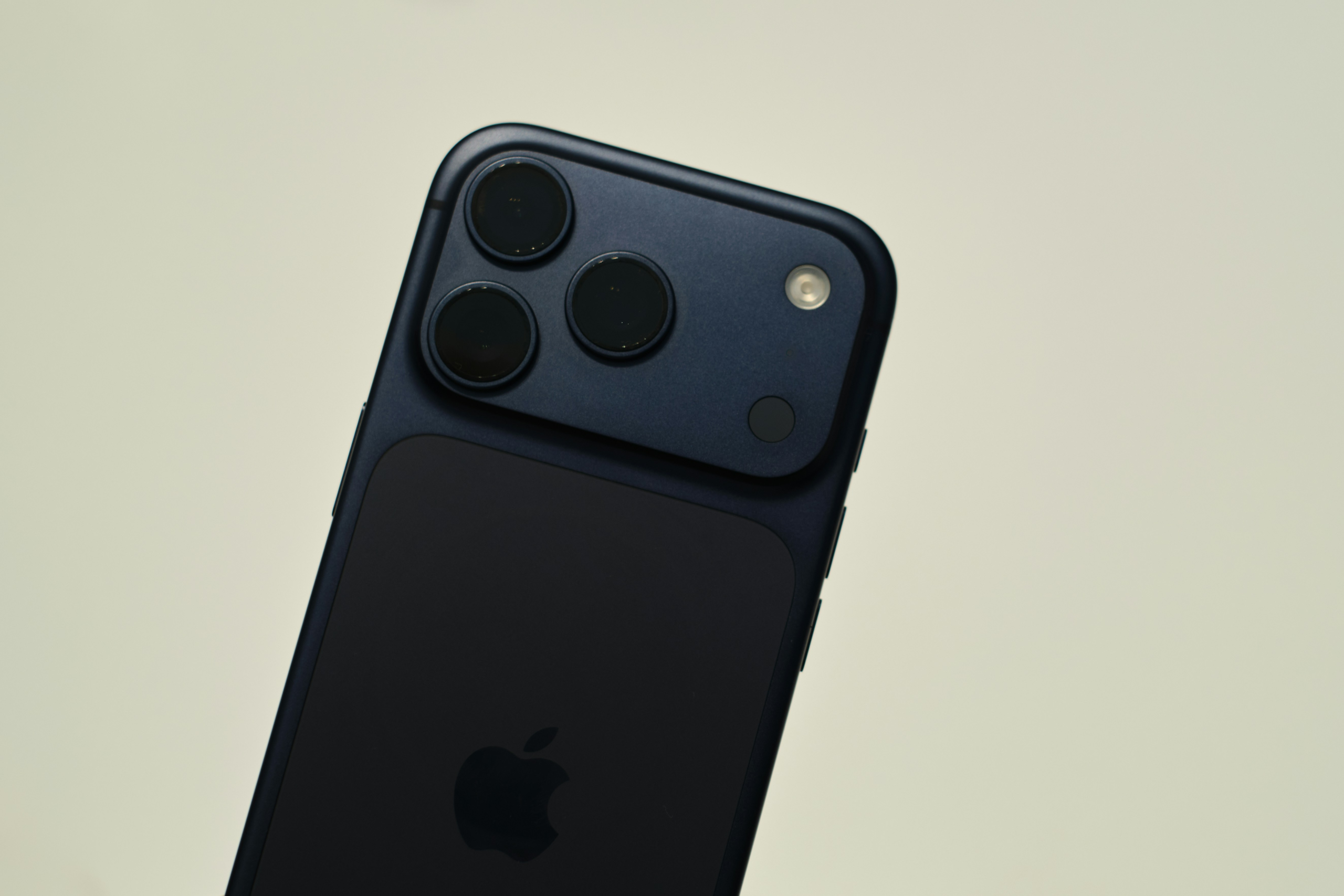
You don’t need a $10,000 motion-capture lab to see why your player is “dropping their hands” or “short-arming” a throw. The smartphone in your pocket is capable of recording at 240 frames per second—a feature that was reserved for elite labs just a decade ago. However, there is an art to “filming for coaching” versus “filming for highlights.”
Here is how to turn your phone into a high-level diagnostic tool.
- The “Slow-Mo” Setting is Non-Negotiable A baseball swing happens in less than half a second. Standard video (30 or 60 fps) will be a blurry mess at the point of contact.
- The Tech: Switch your camera settings to “Slo-Mo” (ideally 240 fps). This allows you to see the “barrel lag” and the “point of contact” with crystal clarity.
- The Three Critical Angles To get a full picture of a player’s mechanics, you need to film from these specific spots:
- The Side View (Profile): Great for checking stride length, posture, and “hand path.” (Place the phone even with the player’s belt buckle).
- The “Catcher’s View” (Behind): Best for seeing “swing plane” and whether a pitcher is “opening up” their front hip too early.
- The “Open Side” (Facing the Player): Perfect for seeing head movement and front-side stability.
- The “Catcher’s View” (Behind): Best for seeing “swing plane” and whether a pitcher is “opening up” their front hip too early.
- The Side View (Profile): Great for checking stride length, posture, and “hand path.” (Place the phone even with the player’s belt buckle).
- Use a Tripod (Avoid “Shaky Cam”) If the camera is moving, you can’t accurately measure body angles.
- The Hack: A cheap $15 smartphone tripod or a “fence mount” (like a Backstop Mate) is the best investment you can make. It keeps the frame consistent so you can compare a swing from March to a swing in June.
- The Top 2 Apps for Analysis Once you have the video, you need tools to draw on the screen.
- OnForm: An incredible app that allows for side-by-side comparisons and slow-motion scrubbing.
- Mustard (for Pitchers): Founded by legendary coach Tom House, this app uses AI to analyze your video and give you a “mechanical score” based on elite MLB biometrics.
- OnForm: An incredible app that allows for side-by-side comparisons and slow-motion scrubbing.
- Avoid “Over-Coaching” The biggest trap of video analysis is showing it to the player after every pitch.
- The Strategy: Film 10-15 reps, then look at the video together after the session. Let the player see what they feel. Use the video to confirm a “feeling” rather than using it to nitpick every single movement.